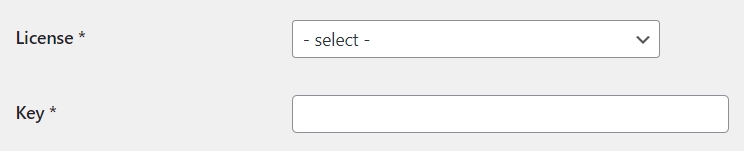
< All Topics Print License Activation How to insert and register a new license In your WordPress dashboard, click the Pro License Manager menu item. add new On the License List page, click the add new button. On the License Edit page, fill out the form:select the license in the dropdown menuenter the key of the license you purchased register Click the register button. The license Status changes to active. Upgrade to PRO version After registering the license, the associated plugin will be automatically upgraded to the PRO version.