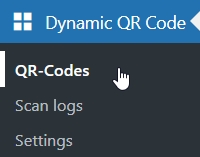
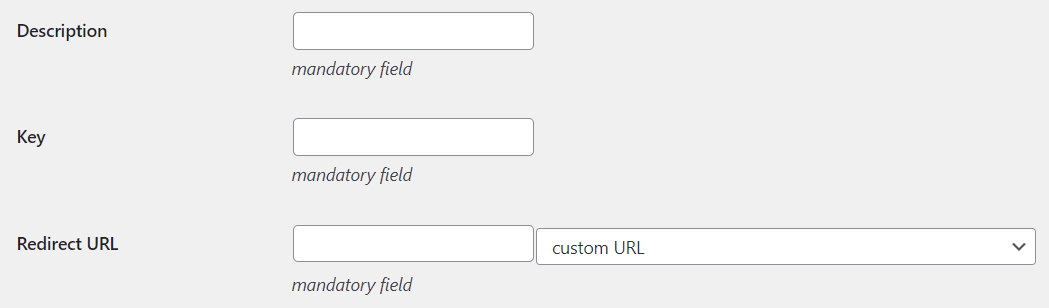
< All Topics Print Limited number of scans Scenario For some reason you want to limit the total number of scans of your QR code. Solution Click on the QR-Codes menu voice of the plugin create new Click the button to open a new empty QR-Code Insert the mandatory fields:Description: enter an explanatory/mnemonic name for the QR-CodeKey: digit a sequence of charactersRedirect URL: select or write the URL of the web page you wish to display to users scanning the QR code Set the maximum total number of scans:Max total scans: enter a positive integer number, e.g. 10 (zero means no limit).URL for total scans limit: select or type the URL of the web page displayed after exceeding the maximum total number of scans save Click the button to save the QR-Code in the database This way... users will be displayed the web page at the Redirect URL until the maximum scan number is reached, then the page at the URL for more than the limit.