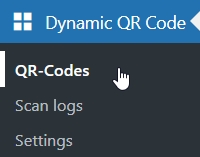
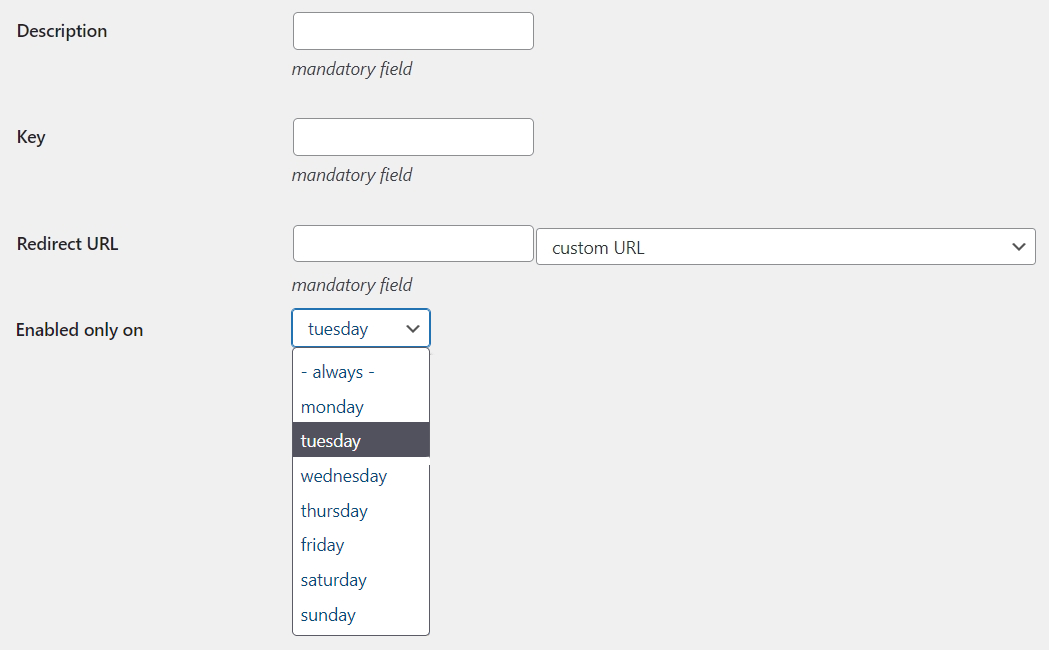
< All Topics Print Menu of the day Scenario You want your customers to scan a QR code to view the menu of day in your restaurant.The menu changes every day of the week, so 7 different QR codes would be necessary to cover all days. Solution The strategy involves creating 7 QR-Codes with the exact same key and different redirect URLs for each menu of the day.Then you will have to repeat the same procedure 7 times. start of procedure » Click on the QR-Codes menu voice of the plugin create new Click the button to open a new empty QR-Code Insert the fields:Description: enter an explanatory/mnemonic name for the QR-CodeKey: digit a sequence of characters (always the same for all 7 QR-Codes)Redirect URL: select or write the URL of the web page with the menu for a specific day of the weekSelect the day of the week on which this QR-Code is active (e.g. tuesday) save Click the button to save the QR-Code in the database « end of procedure Repeat this procedure for every day of the week your restaurant is open. This way... users will be redirected to different pages depending on day of the week they scan the QR code. QR code image The image of the 7 QR-Codes is the same because the key used is the very same. Attention This solution requires enabling the Disable unique keys option on the Settings page of the plugin dashboard.